Your cart is currently empty!.
You may check out all the available products and buy some in the shop.
Continue Shopping
iTouch Stores Apple devices you will find all & accessories you need iPhone , iPad , MacBook , Apple watch or AirPods – iTouch is Your Apple Choice
Tell us about the device you want to trade in. Our team will contact you with an estimate, then confirm the final value when you bring it to one of our branches.
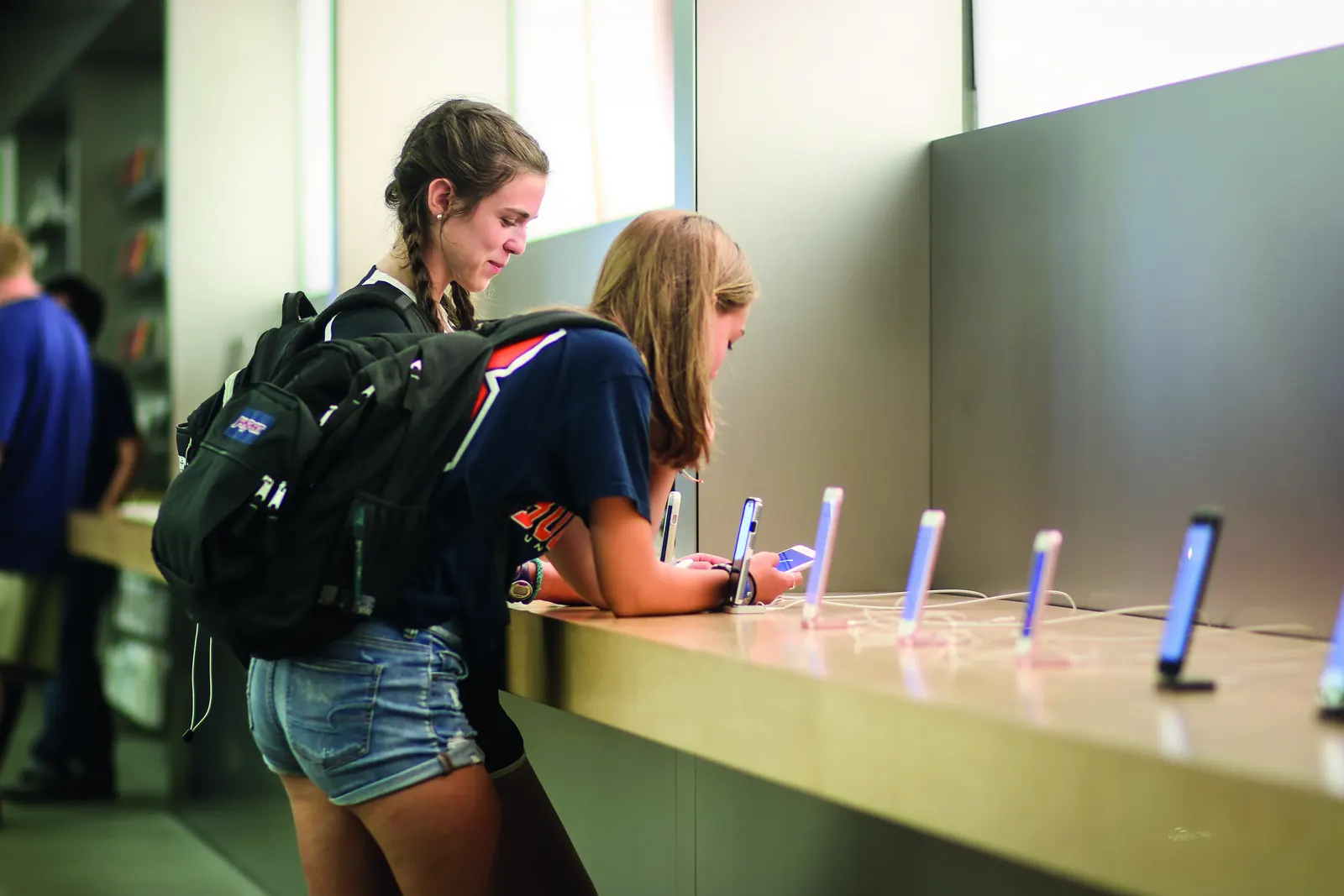
Four steps from your current device to your next one.
Fill in the form below with the model, storage and condition. It takes about two minutes.
Our team reviews your request and contacts you with an estimated trade-in value.
Visit our New Cairo or Nozha branch. A technician checks the device and confirms the final value.
Put the trade-in value toward your next Apple device.
The more accurate your answers, the closer the estimate will be to the final value.
Thank you. Our team will contact you with an estimate.
Please try again, or call New Cairo Branch on 010 6122 2223 or Nozha Branch on 010 2661 1880.
Before you hand over your device, protect your data and remove it from your Apple Account.
Not sure how? Bring the device to the branch and our team will help you do it.
It depends on the model, storage, condition and battery health. We send an estimate based on the details you give us, then confirm the final value after checking the device at the branch.
iPhone, iPad, Mac, Apple Watch and AirPods. If you have a different Apple device, choose "Other" in the form and tell us the model.
Tell us about any damage in the form. Our team will let you know whether the device can be accepted and how the damage affects its value.
Yes. The final value is confirmed after a technician checks the device at our New Cairo or Nozha branch.
Back up and erase your device before you hand it over. If you need help, our team can walk you through it at the branch.
Pay for it in installments with 15 partner banks, or with consumer-finance providers like valU, Forsa and Souhoola.
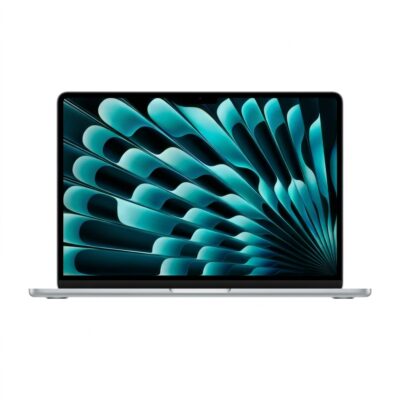
Out of stock

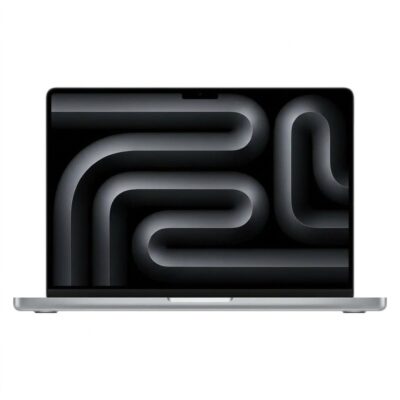
Out of stock
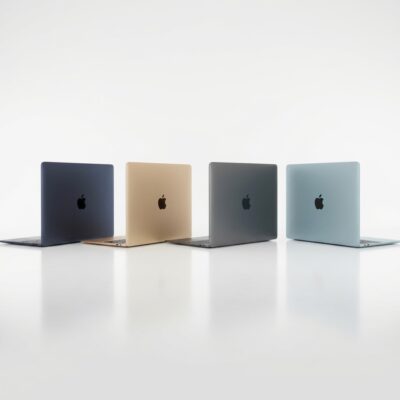
Out of stock
Out of stock