Your cart is currently empty!.
You may check out all the available products and buy some in the shop.
Continue Shopping
iTouch Stores Apple devices you will find all & accessories you need iPhone , iPad , MacBook , Apple watch or AirPods – iTouch is Your Apple Choice
Setup, troubleshooting, repairs and warranty help for your iPhone, iPad, Mac, Apple Watch and AirPods. Call our technical team or walk in to our New Cairo or Nozha branch.

Our support team is made of Apple certified professionals who work on Apple devices every day.
Start using your new device the right way, with everything moved over from your old one.
Fix the problems that slow you down, without losing your data.
Our technicians check the device, find the fault and carry out on-spot repairs where possible.
Devices bought from iTouch come with a one-year local warranty. We handle the claim for you.
No booking needed. Walk in to either branch, or call technical support on 010 0788 4413 first if you have a question.
Visit our New Cairo or Nozha branch with the device and, for warranty claims, your invoice.
A technician looks at the problem with you and finds the cause.
We explain what's needed and what it will take, so you decide before any work starts.
Leave with your device working, or collect it once the repair is finished.
A few minutes of preparation makes your visit faster and keeps your data safe.
Technical support is available at both iTouch branches.
No. Walk in to our New Cairo or Nozha branch with your device. For questions before you visit, call technical support on 010 0788 4413.
iPhone, iPad, Mac, Apple Watch and AirPods.
It depends on the device and the problem. Our technician checks your device first, then tells you what's needed so you can decide before any work starts.
Devices bought from iTouch come with a one-year local warranty. Bring the device and your invoice to either branch and our team will check whether the issue is covered and handle the claim.
Most setup and troubleshooting keeps your data. Some repairs or restores can erase the device, so back it up to iCloud or your computer before you visit. Our team will tell you before doing anything that affects your data.
Trade the hassle for a new device. Pay in installments with 15 partner banks or consumer-finance providers like valU, Forsa and Souhoola.
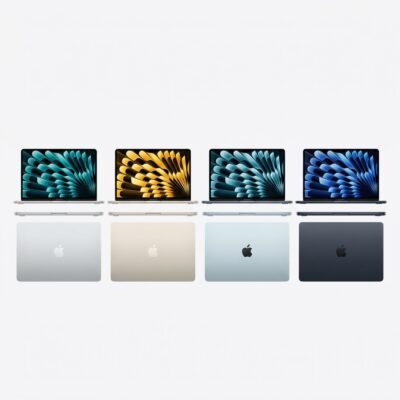
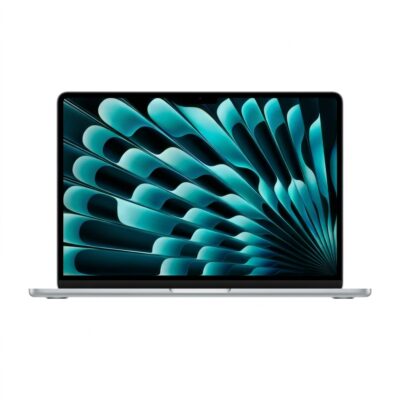
Out of stock


Out of stock
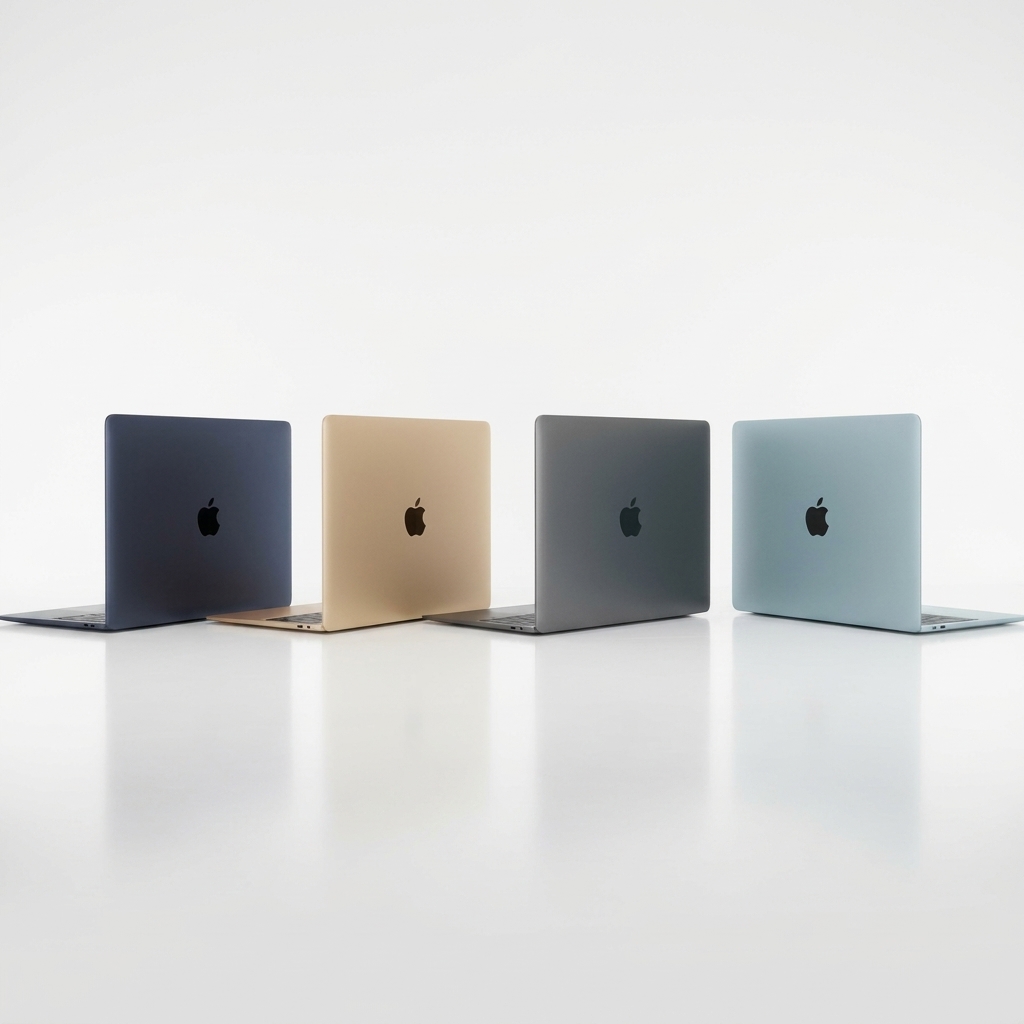
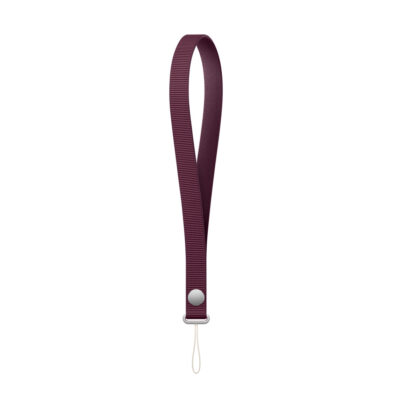
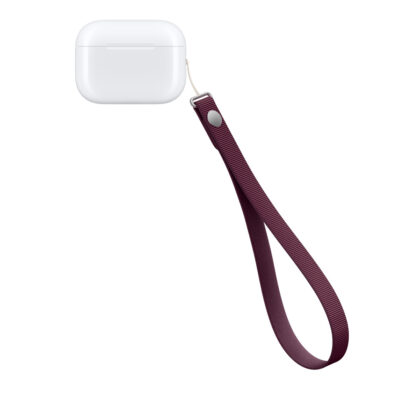
Out of stock